Fast Window Switch
€2.99 / $2.99
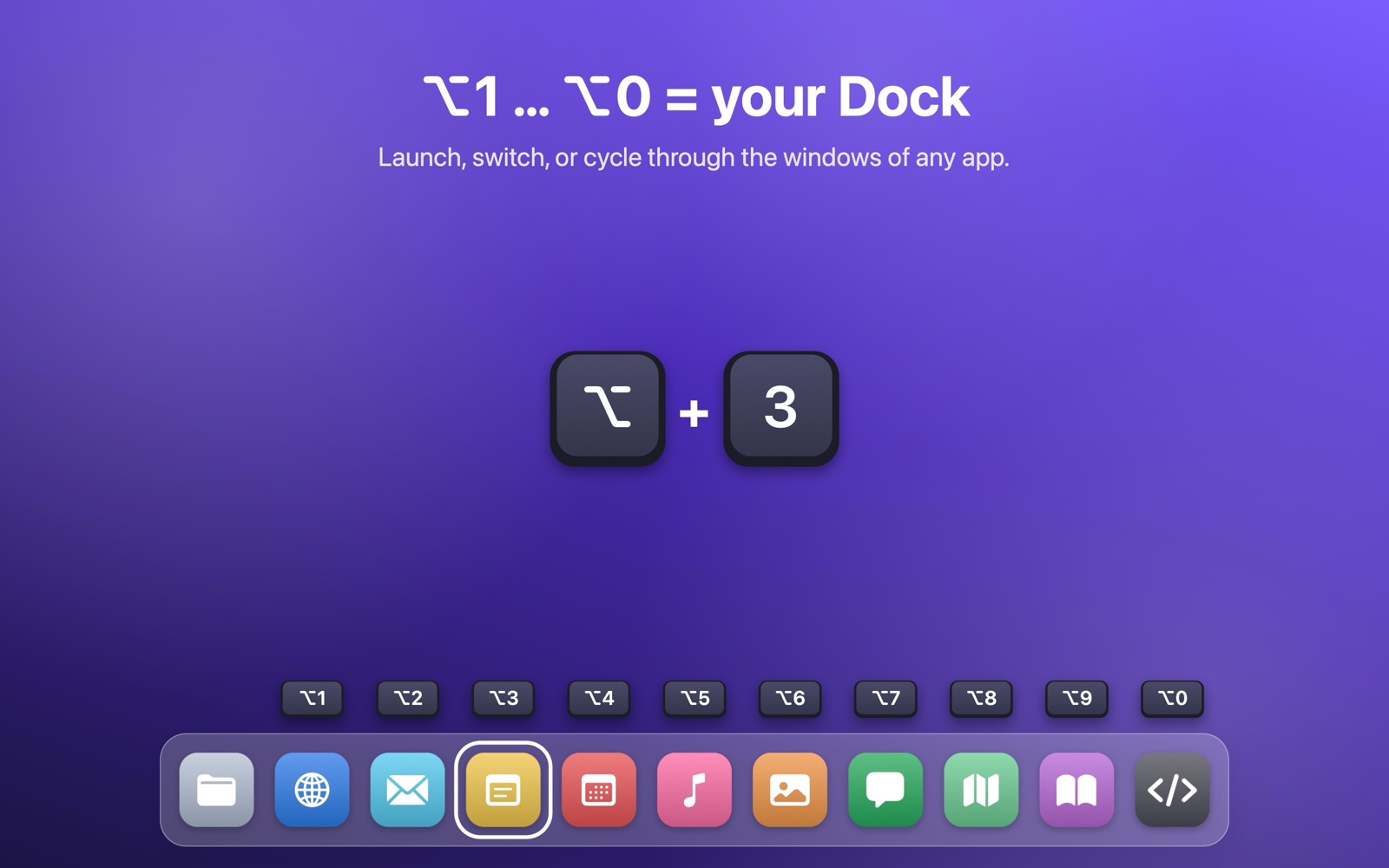
- Launch or switch to the 1st–10th app in your Dock (after Finder)
- Press again to cycle through its windows
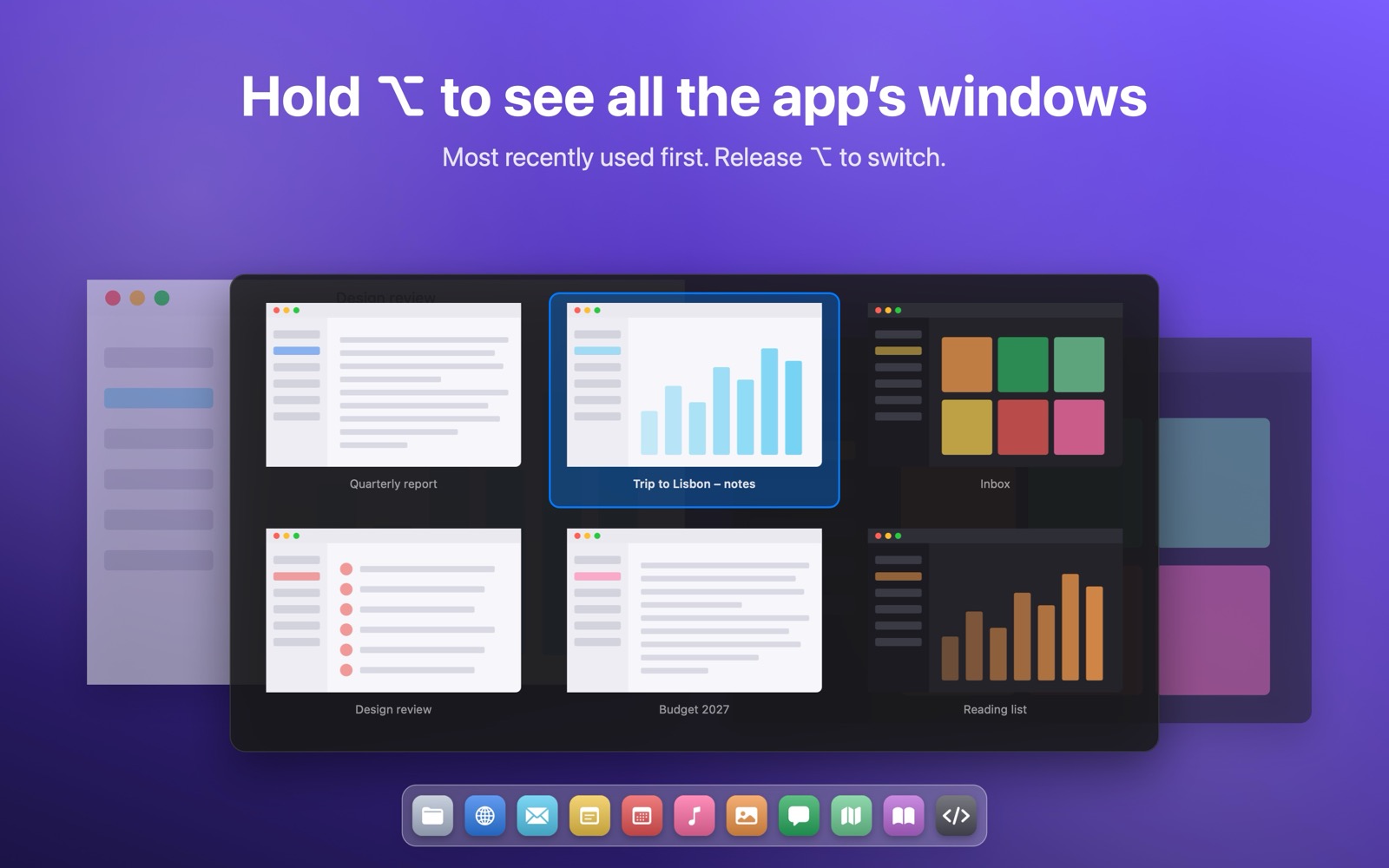
- Hold ⌥ for a panel with window previews, most recently used first
- Choose your modifier keys
Your Dock already keeps your favorite apps in order. Fast Window Switch puts them on your number keys – ⌥1 to ⌥0 – and lets you jump between their windows without touching the mouse.
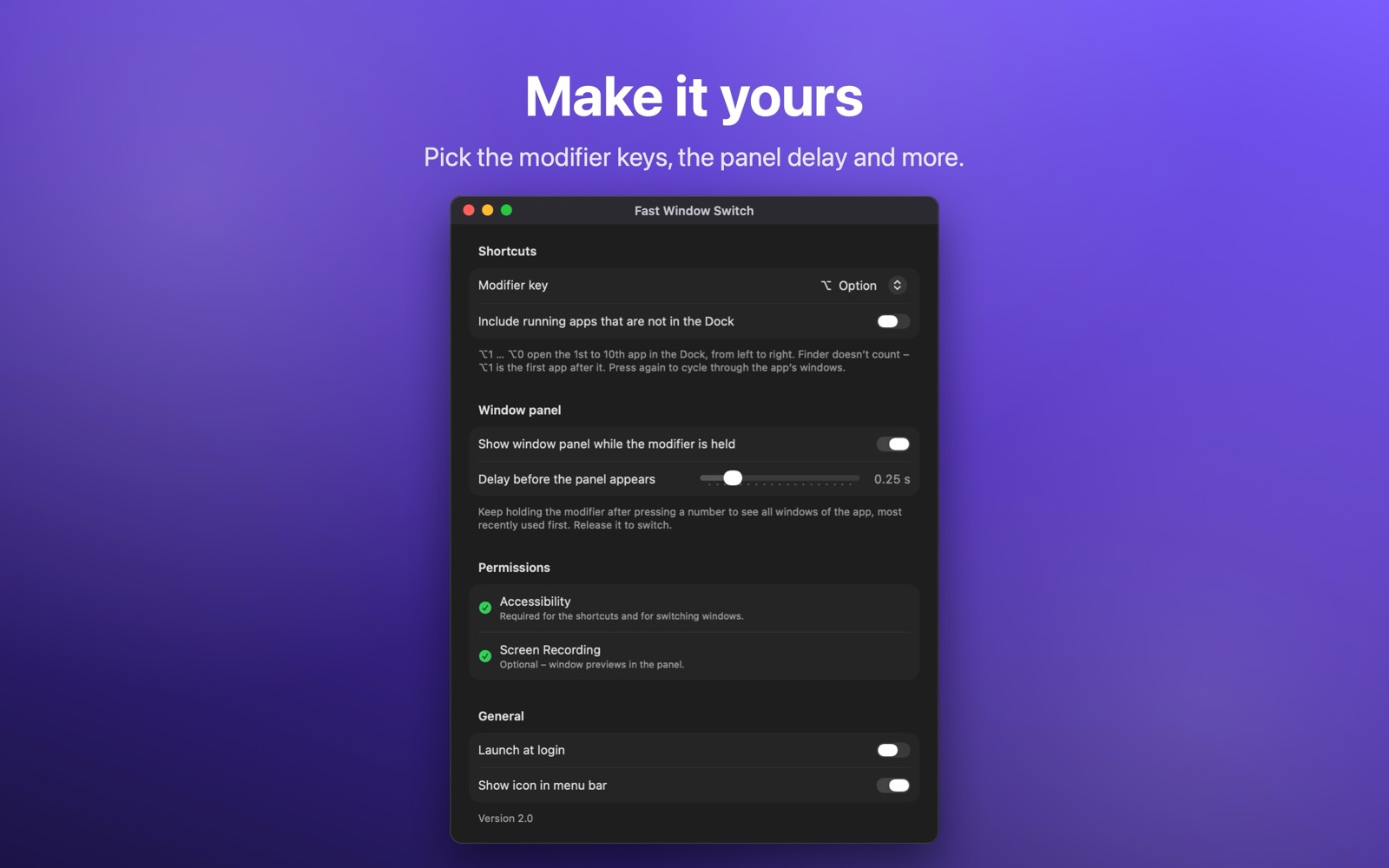
Questions or problems? Write to knagyorg@gmail.com. Both apps require macOS 14 Sonoma or later.
Allow Fast Window Switch in System Settings › Privacy & Security › Accessibility. The Settings window shows the current state and opens the right place for you.
When an app turns on Secure Input – usually a browser with a focused password field, or Terminal – macOS doesn’t pass keystrokes to other apps. The menu bar icon warns you. Click outside the password field, or restart that app.
Window previews need the Screen Recording permission (System Settings › Privacy & Security › Screen & System Audio Recording). It is optional.
Open the app again from the Applications folder or Spotlight; the Settings window appears.
On many keyboards – Czech, German, Nordic, Spanish, British and others – Option with a number key types characters such as @, #, [ ] or { }. To keep them working, the default there is ⌃⌥ + number. Elsewhere it is ⌥. You can pick any modifier keys in Settings.
The first app in your Dock after Finder – Finder is always first and isn’t counted. ⌥2 is the second, and so on up to ⌥0 for the tenth. The menu bar icon lists the current assignment. Rearrange your Dock and the shortcuts follow.
Fast Window Switch and Fast App Switch do not collect, store or transmit any personal data. They contain no analytics, no advertising and no tracking, and they don’t connect to the internet.
Purchases of Fast Window Switch are processed by our reseller, who handles payment details under its own privacy policy. Purchases in the Mac App Store are handled by Apple.
Contact: knagyorg@gmail.com · Last updated: October 28, 2026
Fast Window Switch and Fast App Switch are developed by Karel Nagy, Czech Republic (“we”). Contact: knagyorg@gmail.com.
Last updated: October 28, 2026